Race to 100

It’s All a Numbers Game.

MAXIMIZE YOUR RESULTS:
Just work the numbers. That’s the easiest way to succeed in network marketing while preventing burnout and resilience to ghosting.

Race to 100. Do it. Teach it. Repeat it.
Your Target Number per task
100
One simple, repeatable system.
App Contacts   12
Links Sent   17
Link Clicks   14
Site Leads   32
Leads at 100 Points   17
New Team Members   3
Exclusive Platform Tracking

Where to Find Your Numbers

Your Race to 100 activity is tracked directly inside your mobile app and online backoffice, so you always know what to work on next and where your team needs help.

This complete prospect scoring and team accountability system is built into our platform. You will not find this exact tracking system anywhere else.
01

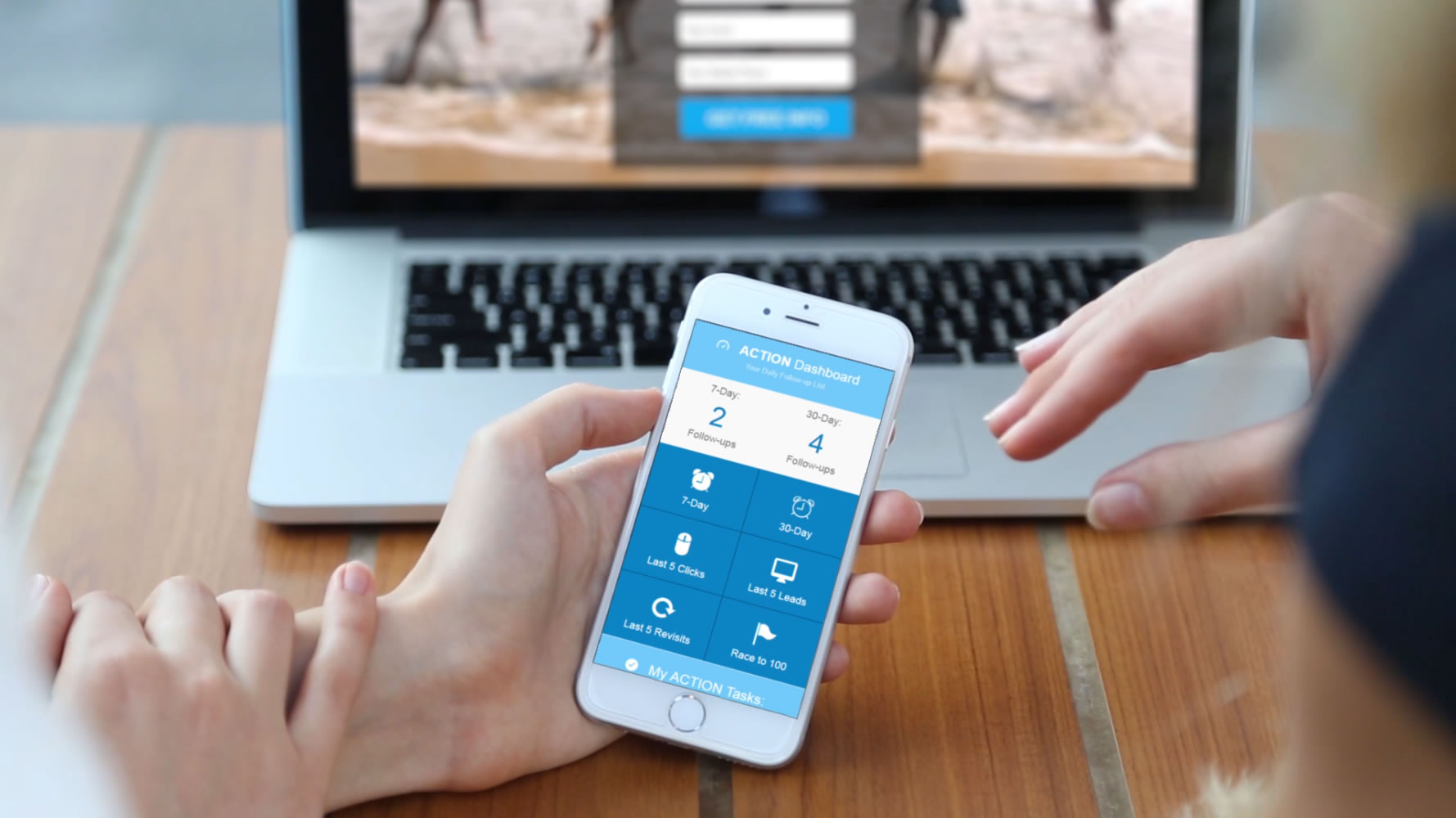
Your Mobile App Dashboard
Get 100 App Contacts

Quickly view your App Contacts, prospecting activity and daily progress from your phone. This is where you begin building your pipeline and working toward your first 100 contacts.

02

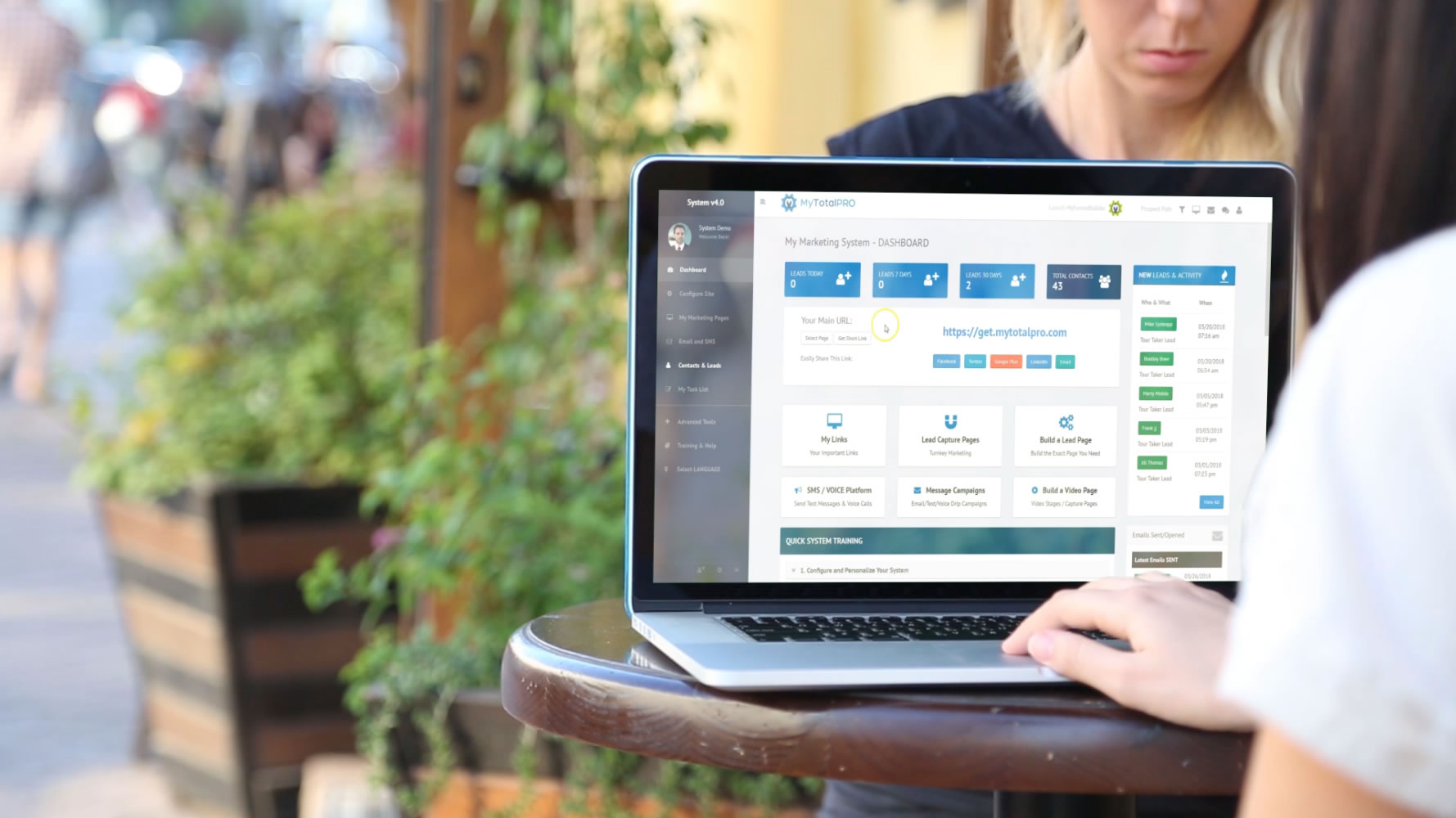
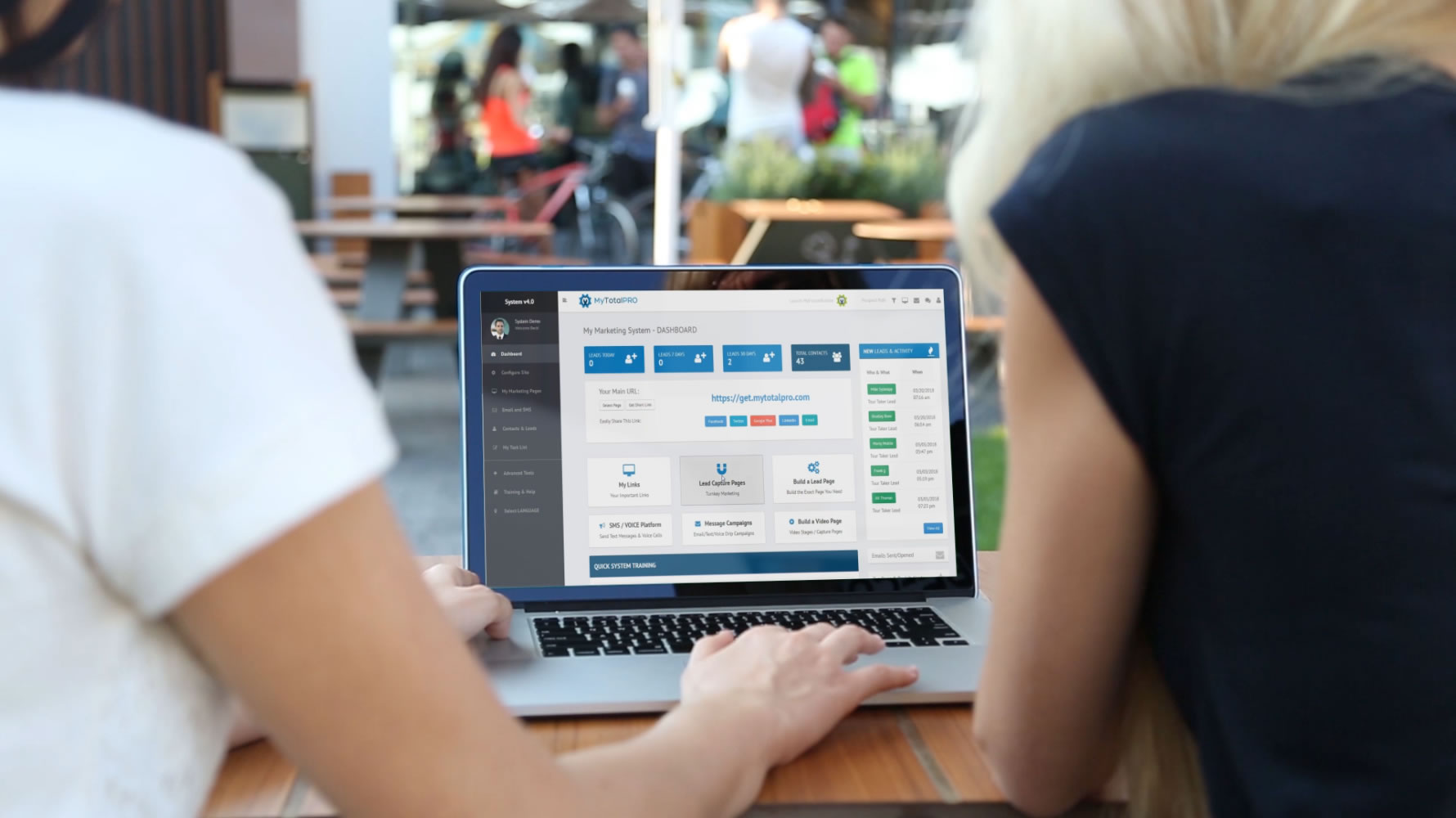
Your Online Backoffice
Get 100 Leads to 100 pts.

See your Site Leads, lead scores, tracked activities, website visits, email engagement and follow-up progress from one central online dashboard.

03

Your Team’s Numbers
Race Your Team to 100

Review each personally referred member’s App Contacts, Site Leads, website and referrals. You can immediately see who is working the numbers and who needs additional support.

The Core Strategy

Stop fearing rejection.
Start tracking activity.

Success becomes easier when you stop judging each individual result and focus on consistently moving more people through your system.

Make a List of 100

Create a list of 100 people you can begin introducing to your pages, videos, products or opportunity.

Create a List of 100

Use conversations, referrals and daily prospecting activity to continually grow your contact pipeline.

Advertise to Get 100

Use posts or advertising to send more targeted people directly to your lead pages.

Just start getting people to your pages.

It does not matter which method you begin with. The important part is increasing the numbers.

Need More Product Sales?

Focus on growing the numbers going to your product lead pages.

Need a Bigger Team?

Focus on growing the numbers going to your opportunity lead pages.

Race to 100. Do it. Teach it. Repeat it.

It is a simple tracking system for your own efforts.

Your Action Plan

Your Race to 100 Tasks

Our system keeps track of each stage in order to keep moving people forward through your prospecting and follow-up system.

01

Mobile App - Get 100 App Contacts

Goal: 100

Add 100 contacts to your mobile app prospecting pipeline by sending a Step 1 message or question.

The Step 1 message asks permission to send the person a video, page or link.

How to do this - with Mobile App:
Click Step 1 Choose a Contact Choose a Message Send Message
Simply add 5–10 contacts per day or week and you will have 100 in short order.
Get up to 5 reminders over next 30-days that you sent that message to that person.
02

Mobile App - Create and Send 100 Links

Goal: 100

Each time you receive a “Yes” response, you get to send a link. That becomes your next goal.

Create and send 100 links to the contacts who have given you permission to share more information.

How to do this - with Mobile App
Click Step 2 or Locate Contact in App First Click 'Send Link' if viewing Contact Choose a Page Sends a Tracking Link
Get alerts when they click the link and when they complete a video.
Get up to 5 reminders over next 30-days that you sent that link to that person.
03

Mobile App - Get 100 Link Clicks

Goal: 100

Out of the links you create and send, your next goal is to generate 100 clicks.

These clicks will come from the people already being managed inside your App Contacts pipeline.

04

Lead Pages - Get 100 Site Leads

Goal: 100

Site Leads are people who have filled out a form on any of your lead pages.

These could be App Contacts who turn into Site Leads. They could also come from social media posts or advertising that sends people directly to your pages.

How to do this - with Online Backoffice
Get Lead Page Links Post on Social Media or Send to Your List Choose a Lead Pages when Sending an App Link Advertise Your Lead Pages
Simply add 5–10 contacts per day or week and you will have 100 in short order.
Get up to 5 reminders over next 30-days that you sent that message to that person.
05

Present & Close - Get 100 Leads to 100 Points

Final Goal

Site Leads have scores representing the different activities each person has completed.

Continue following up and helping each prospect complete meaningful activities until their lead score reaches 100 points.

By the time you reach 100 Site Leads with 100 points, you will likely have sold many products and enrolled many people.
Two Different Paths Into Your System

App Contacts and Site Leads Are Not the Same

Each prospect enters your system through a different path and includes different tracking information. Understanding the difference helps you know exactly how to follow up.

App Contact: Imported From Your Phone
Site Lead: Filled Out a Lead Page

App Contact

A prospect imported from your phone and managed through your mobile app prospecting pipeline.

Imported From Your Phone You choose the contact and begin the conversation from inside the mobile app.
14 Links Sent
23 Total Clicks
Prospecting Activity History
  • Messages Sent Step 1 permission message and follow-up messages sent through the app.
    8 Sent
  • Video Watch History Shows which videos were opened and how much of each video was watched.
    3 Videos
  • Opportunity Overview Individual tracking for this exact shared link.
    12 Clicks
  • Product Information Page Individual tracking for this exact shared link.
    7 Clicks
  • Webinar Registration Page Individual tracking for this exact shared link.
    4 Clicks

One-Click to Engage

Call Text Send Message via App Send Link via App

Site Lead

A prospect who entered your system by completing a form on one of your personal lead pages.

Filled Out a Lead Page The lead entered their information directly into a form on your website.
9 Website Revisits
140 Lead Score
Lead Data and Activity
Complete Lead Form Data Includes name, email, phone and all other information submitted through the lead form.
Survey Answers Includes their responses to questions, interest levels and requested follow-up.
Lead Page Source Shows which specific lead page generated the prospect.
Page Visit Tracking Tracks every page visited and how long the prospect remained on each page.
Score History
  • Tour Taker Lead +20
  • Website Revisit +10
  • Attended Webinar +40
  • Sampled Product +50
  • Spoke With Upline +20

One-Click to Engage

Call Text Email
An App Contact begins as someone you personally reach out to. A Site Lead begins when someone fills out one of your lead pages. An App Contact can later become a Site Lead after clicking your link and completing a form.
Lead Scoring

Understanding the 100-Point Goal & Score System

Prospect scores help you recognize who is actively engaging, completing important steps and moving closer to a decision.

Automated Points

These points are automatically tracked by the system when a prospect completes an online action.

  • Becoming a lead
  • Revisiting your website
  • Opening an email
  • Clicking on a link

Manual Activity Points

You add these activities manually after a prospect completes an important engagement step.

  • Attended a webinar
  • Spoke to an upline leader
  • Joined a conference call
  • Sampled a product
This is where the big points are. These activities are worth more because they are highly engaging and are important steps a prospect often completes before buying or enrolling.

You may never actually finish the final goal—and that is a good thing.

By the time you reach 100 Site Leads with 100 points, you will have sold many products and enrolled many people.

In fact, you might not make it all the way there because you will already be helping new people work their numbers. At that point, you are duplicating!

Team Duplication

Build an unstoppable team of resilient networkers.

When everyone follows the same activity-based system, the team stops being controlled by individual rejections or temporary setbacks.

Everyone remains focused on consistently finding and developing future leaders and diamonds.

Everyone works the numbers. Everyone teaches the numbers. Everyone repeats the system.

More Resilience

Activity goals help prevent burnout and keep rejection in perspective.

Easy Duplication

New team members receive one simple system they can immediately understand and follow.

Measurable Progress

Everyone knows exactly which numbers they should improve next.

Find the Diamonds

More activity creates more opportunities to find serious prospects and future leaders.

Managing Your Downline

Track your personally referred team through the system.

Use the backoffice referral area to view your direct team’s activity, identify where they need help and hold everyone accountable.

My Team's Numbers

John Smith:

17 App Contacts
23 Site Leads
4 Referrals
john Website

Sally Jones:

35 App Contacts
46 Site Leads
9 Referrals
sally Website

Where to find your team

In your backoffice, you will find the people you have referred to the system. This will most likely be your direct team.

  • View your personal referral link.
  • See your total number of referrals.
  • View each team member’s website address.
  • See how many App Contacts they have.
  • See how many Site Leads they have.
  • See how many referrals they have generated.

This makes it easy to help every team member reach 100 App Contacts and 100 Site Leads.

Everyone can be held accountable.

Measure the activity, identify the next goal and help each person keep moving forward.

Don’t quit until you have completed the Race to 100.

When everyone follows the system, tracks their numbers and helps the next person do the same, everyone has a clear path to success.

If everyone follows this, everyone succeeds!
Review My Race to 100